· Knowledge Base · 11 min read
The 10 Best Client Tracking Software Solutions for 2026
Compare the 10 best client tracking software tools for 2026. Covers features, free plans, and setup steps so you can stop losing client details to scattered records.

You’re looking up a client’s phone number and realize it’s in three places: a paper card, an old text thread, and maybe a spreadsheet someone started last year. None of them match. Meanwhile, the client’s waiting and you’re burning minutes on something that should take five seconds.
Client tracking software puts every contact, conversation, and visit history in one searchable spot so your whole team works from the same information. This guide covers what to look for, compares the ten best options for 2026, and walks through setup so you can stop losing details to scattered records.
What is client tracking software
Client tracking software centralizes contact information, interaction history, and behavioral data so you can find what you need about any client in seconds. Instead of flipping through paper cards, scrolling old text threads, or asking coworkers “did anyone hear back from Mrs. Johnson?”, you pull up one record and see everything.
The category goes by a few names. You’ll hear “client management software,” “CRM” (customer relationship management), or “client database software.” They all describe the same core function: one place where client details live so your whole team works from the same information.
What does client tracking software actually do? Three things, mainly:
- Stores client details: Names, contact info, visit history, and custom notes all live in one searchable location
- Logs interactions: Every call, text, email, and appointment gets recorded so nothing disappears into someone’s personal phone
- Automates follow-up: Reminders, confirmations, and check-ins go out without you remembering to send them, saving 5–10 hours per week on repetitive tasks
For service businesses, this translates to fewer missed appointments, 27% higher client retention, and less time spent on admin work that doesn’t pay.
What to look for in client tracking software
Picking software means separating features that matter from features that sound impressive in a demo but collect dust in practice. Here’s what actually moves the needle.
Client and contact database
This is the foundation. Every client record stores names, phone numbers, emails, and service history. The better systems also let you add custom fields relevant to your business—pet profiles for groomers, vehicle info for auto shops, property details for landscapers.
A good database is searchable. You type a name or phone number and pull up the full record in under five seconds.
Communication history and shared inbox
When texts and emails scatter across personal phones, messages get lost. A shared inbox ties all communication to client records so anyone on your team can see what’s been said, who said it, and when.
This matters most when clients text back and you’re not the one who sent the original message. With a shared inbox, whoever’s available can respond with full context.
Appointment and visit tracking
Past visits tell you a lot. You can see how often someone rebooks, spot clients who haven’t been in for months, and flag people with a history of no-shows before you book them again.
Visit tracking also helps with consistency. When a client returns after six months, you can see exactly what services they got last time instead of starting from scratch.
Notes, tags, and custom fields
Raw data only gets you so far. Notes and tags add context—behavioral flags, preferences, allergies, special instructions. Anyone on your team can then pick up where the last visit left off without making the client repeat themselves.
Tags also help you segment clients. You might tag VIPs, first-time visitors, or clients who prefer certain staff members.
Integrations with payment and scheduling tools
Client tracking works best when it connects to your calendar and payment processor. Otherwise, you’re entering the same information twice and hoping nothing falls out of sync.
Look for native integrations with tools you already use. If you run Square, for example, software with built-in Square support saves you from duct-taping systems together.
Automation for reminders and follow-ups
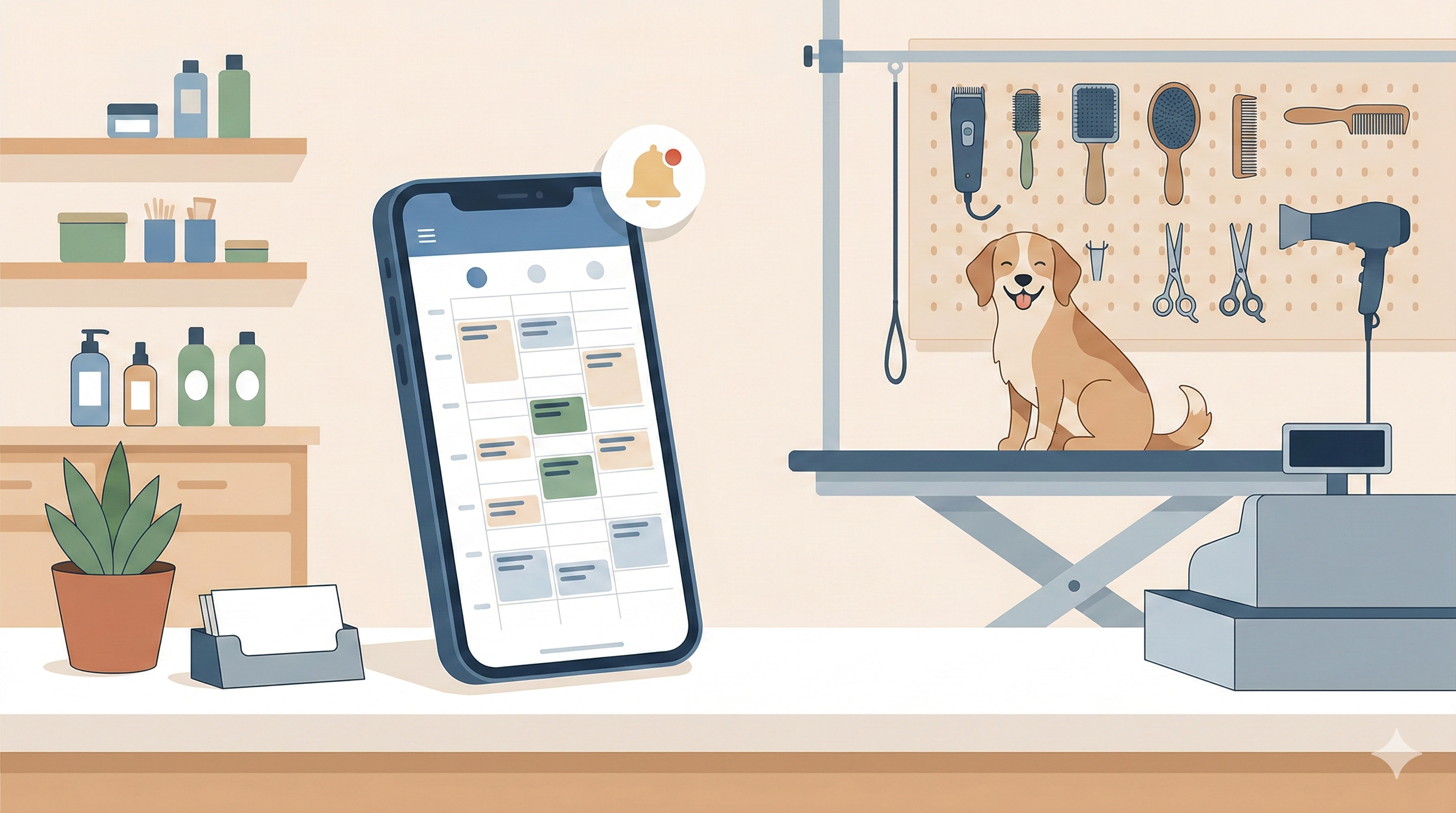
Manual reminder calls eat hours every week. Automated SMS and email reminders handle this for you — a peer-reviewed study found they reduced no-show rates from 18% to 7%. A common setup sends one reminder 24 hours before the appointment and another 2 hours before.
The best systems also track confirmations. You can see at a glance who confirmed, who hasn’t responded, and who might be a no-show risk.
Mobile access and team visibility
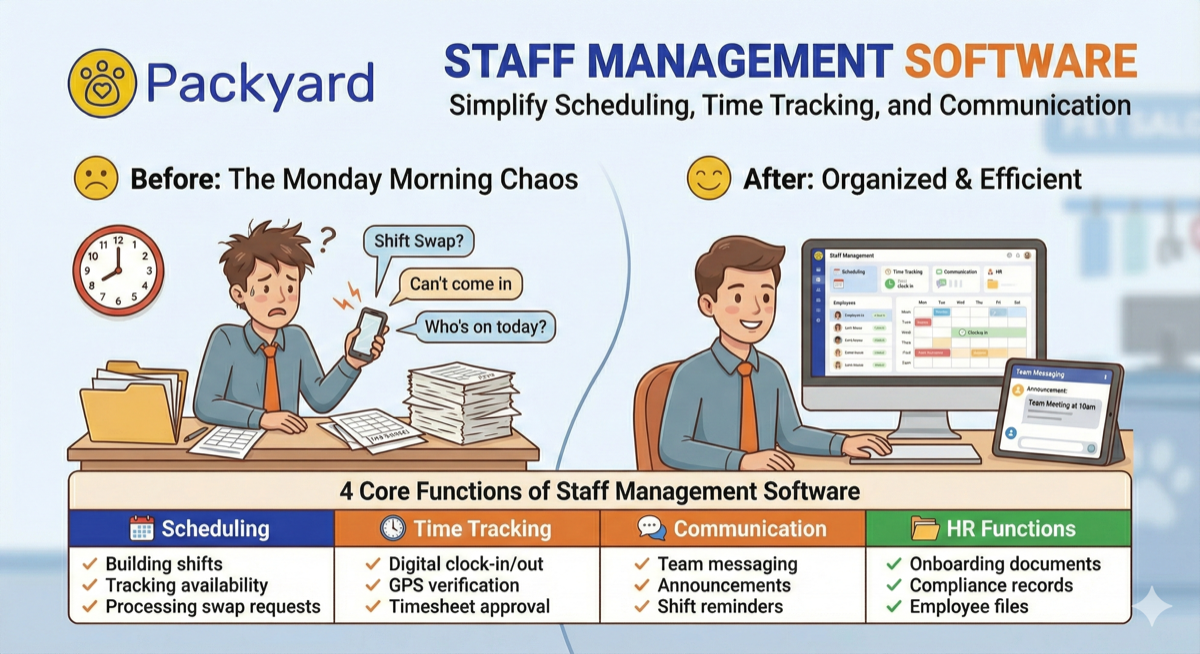
Your team isn’t always at a desktop computer. The right staff management tools include a mobile app so your team can access client records on the floor, in the van, or at the front desk. If the software only works on desktop, you’ll end up with workarounds that defeat the purpose.
The 10 best client tracking software tools compared
Each tool below serves different business types. Some focus on sales pipelines, others on service delivery, and a few handle both. The right choice depends on how you actually work with clients.
| Software | Best For | Free Plan | Key Strength |
|---|---|---|---|
| Packyard | Appointment-based service businesses | Yes (trial) | Scheduling + client tracking in one |
| HubSpot CRM | All-in-one marketing and sales | Yes | Robust free tier |
| Zoho CRM | Customization on a budget | Yes | Deep workflow customization |
| monday CRM | Visual pipeline management | Yes (limited) | Flexible dashboards |
| Freshsales | Sales-driven teams | Yes | AI-powered lead scoring |
| Capsule | Simple contact management | Yes | Ease of use |
| Vtiger CRM | Free full-featured CRM | Yes | Comprehensive free plan |
| HoneyBook | Creative freelancers and agencies | No | Contracts + invoicing built-in |
| Jobber | Field service businesses | No | Quoting + scheduling |
| 17hats | Solo service providers | No | All-in-one for solopreneurs |
Packyard
Packyard combines client profiles with scheduling, automated reminders, and payment processing in one system. It’s built specifically for appointment-based businesses like grooming salons, mobile services, and pet care facilities.
Client records include pet profiles, behavior flags, visit history, notes, and photos. Everything ties directly to the calendar, so when you book an appointment, you see the full client and pet history without switching screens. Native Square integration keeps payments in sync.
HubSpot CRM
HubSpot offers one of the most generous free tiers in the CRM space. You get contact management, email tracking, and basic marketing automation without paying anything.
The platform scales well. Small teams can start free and add paid features as they grow. It’s strongest for businesses that want marketing tools alongside client tracking.
Zoho CRM
Zoho gives you deep customization at a lower price point than most competitors. You can tailor workflows, dashboards, and fields to match how your business actually operates.
The free plan covers up to three users with solid functionality. It’s a good fit if you want flexibility without enterprise pricing.
monday CRM
monday turns client tracking into a visual workspace. If you think in boards, columns, and color-coded statuses, this approach might click better than traditional CRM layouts.
The platform is highly customizable. You can build dashboards that show exactly what you want to see, though setup takes more time than simpler tools.
Freshsales
Freshsales focuses on sales teams with features like AI-powered lead scoring and pipeline management. It’s built to help you convert prospects, not manage ongoing service relationships.
If your business model centers on closing deals rather than recurring appointments, Freshsales fits that workflow well.
Capsule
Capsule keeps things simple. You get contact management, task tracking, and basic sales pipeline features without the complexity of enterprise CRMs.
It’s a good starting point for small teams who want to get organized without a steep learning curve.
Vtiger CRM
Vtiger packs a lot into its free plan—sales automation, support ticketing, and project management alongside standard client tracking.
For budget-conscious businesses that want more than basic contact management, Vtiger offers unusual depth at no cost.
HoneyBook
HoneyBook combines client tracking with proposals, contracts, and invoicing. It’s designed for creative freelancers and agencies who manage projects from pitch to payment.
The workflow integration is the main draw. You’re not switching between separate tools for different stages of client work.
Jobber
Jobber serves field service businesses—landscaping, cleaning, HVAC, and similar trades. It handles quoting, scheduling, and job tracking with client management built in.
If you’re dispatching crews to job sites, Jobber’s workflow matches that reality better than generic CRMs.
17hats
17hats targets solo service providers who want invoicing, contracts, scheduling, and client tracking in one simple tool.
It’s not the most powerful option, but for one-person operations, having everything in one place beats juggling multiple subscriptions.
Best client tracking app for appointment-based businesses
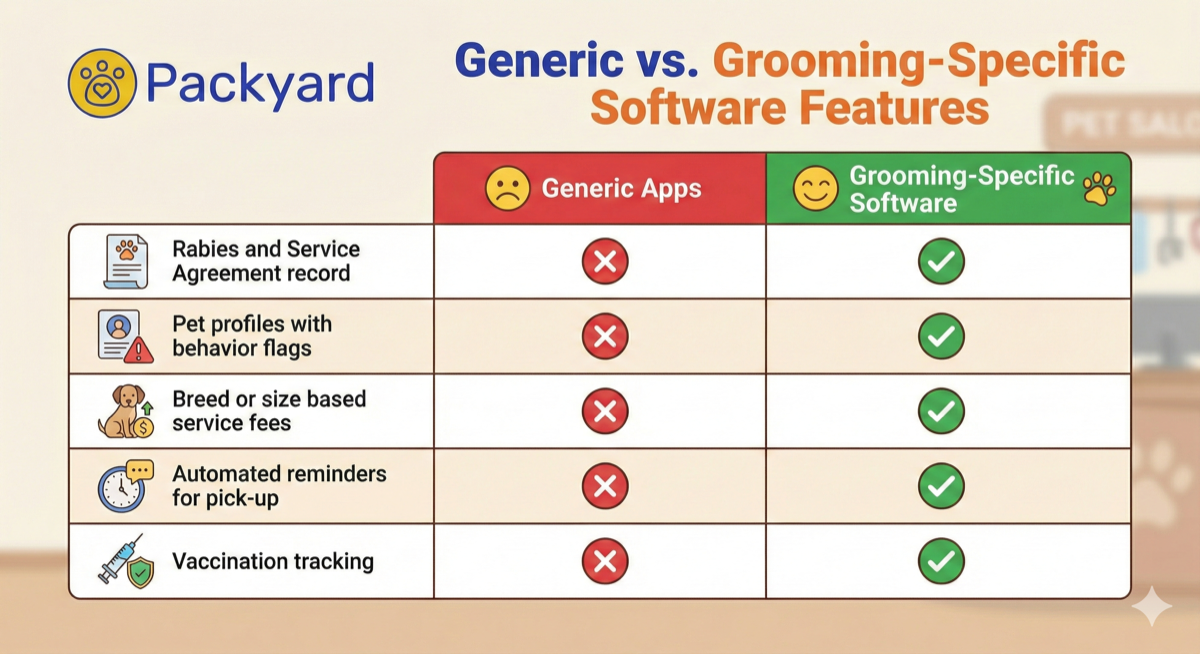
Generic CRMs assume you’re managing a sales pipeline. You’re nurturing leads, tracking deals, and forecasting revenue. That’s not how service businesses work.
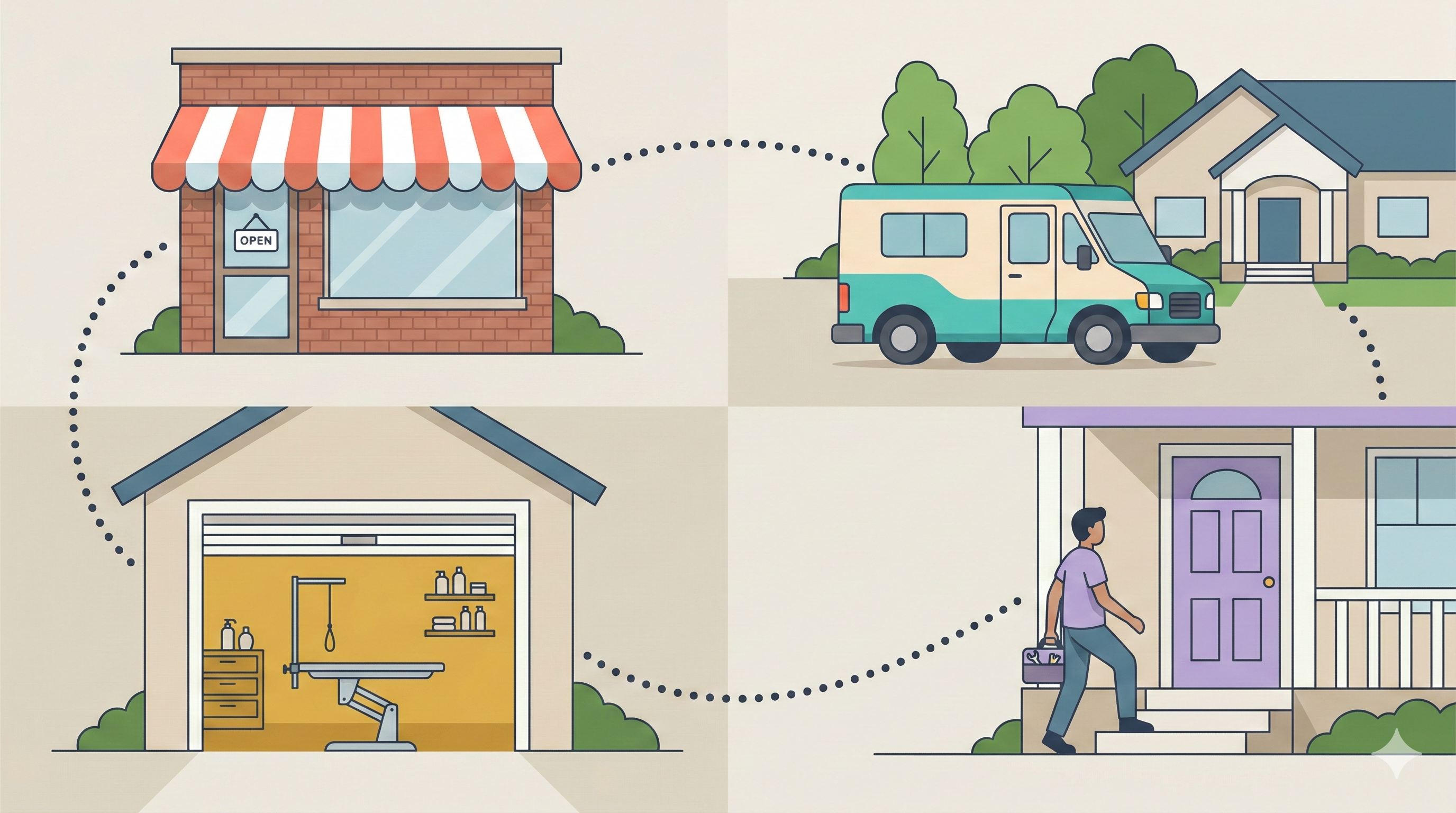
When you run a salon, grooming shop, or mobile service, you’re tracking visit history, managing rebooking, and preventing no-shows. The client relationship isn’t a funnel—it’s a recurring cycle of appointments.
Look for software where scheduling and client records are integrated from the start. You want service history attached to each client, automated reminders tied to appointments, and flags for clients who’ve ghosted before. Packyard was built for exactly this use case.
Best free client management software
Free tools make sense when you’re starting out or testing whether software will actually fit your workflow. Several options offer genuinely useful free tiers:
- HubSpot CRM: The most complete free option, including marketing tools
- Vtiger CRM: Unusually full-featured for a free plan
- Zoho CRM: Free for up to three users with good customization
- Notion or Airtable: Flexible DIY options if you’re comfortable building your own system
Free plans come with trade-offs. You’ll hit user limits, feature restrictions, or branding requirements. Evaluate whether those constraints will become problems as your client list grows.
How client tracking reduces no-shows and protects revenue
A no-show costs you the full value of that appointment slot. You turned away other clients to hold that time, and now it sits empty. Multiply that by a few no-shows per week, and you’re looking at real money walking out the door.
Client tracking software attacks this problem from multiple angles:
- Automated reminders: Clients get a text 24 hours out and another 2 hours before, giving them a chance to confirm or reschedule instead of just forgetting
- No-show history flags: You can see which clients have ghosted before and decide whether to require a deposit
- Card-on-file requirements: When clients have payment info saved, they’re more likely to show up or cancel properly
- Rebooking prompts: The system flags clients who are overdue for their next visit so you can reach out before they drift away
This isn’t about punishing clients. It’s about building systems that protect your schedule without relying on your memory.
How to set up your client tracking system
1. Export or gather your existing client data
Start by pulling contacts from wherever they currently live—spreadsheets, paper cards, phone contacts, old software. Most systems accept CSV files, so export what you can and consolidate the rest into one file.
2. Choose fields that match your workflow
Not every field matters for every business. Pick what you’ll actually use: contact info, service history, notes, and custom fields like pet names or vehicle details. Skip fields you’ll never fill out.
3. Import contacts and clean up duplicates
Most client management apps detect duplicates during import. Take time to merge or delete duplicate records now. Cleaning your data upfront prevents confusion later when you’re not sure which “Sarah Miller” is the right one.
4. Connect your calendar and payment tools
Link your scheduling and payment systems so client records update automatically. This is where integrations pay off—no double-entry, no records falling out of sync.
5. Set up automated reminders and messages
Configure SMS or email reminders with timing that fits your business. A 24-hour reminder plus a 2-hour reminder works well for most appointment-based services. Turn on confirmation tracking so you can see who responded.
6. Train your team on shared access
Get everyone onto the system so the whole team works from the same client records. Establish who can edit what, and make sure everyone knows where to find information and how to add notes after appointments.
Stop losing clients to scattered records
Every client detail living in a different place—paper cards, personal phones, someone’s memory—is a detail waiting to slip through the cracks. Missed appointments, forgotten preferences, and clients who drift away add up over time.
Packyard combines scheduling, client tracking, and no-show prevention in one system built for service businesses. Start your free trial and see what changes when your client records actually work together.
FAQs about client tracking software
What is the difference between client tracking software and a CRM?
They’re usually the same thing. CRM stands for customer relationship management. “Client tracking software” tends to emphasize managing existing relationships, while “CRM” sometimes implies more focus on sales pipelines and lead conversion. In practice, the terms overlap heavily.
Can client tracking software store profiles for pets, vehicles, or properties alongside client records?
Some can, but most generic CRMs require workarounds like custom fields or linked records. Industry-specific tools handle this natively—Packyard stores pet profiles, Jobber tracks properties, and so on.
How do I migrate client data from paper cards or spreadsheets into new software?
Export your spreadsheet as a CSV file and use the software’s import tool. For paper records, you’ll enter data manually or hire help for bulk entry. Most platforms have import guides that walk you through mapping fields.
Does client tracking software work for mobile or on-location service businesses?
Yes. Look for software with a dedicated mobile app so you can access client records, add notes, and check schedules from anywhere. Desktop-only software creates friction for teams that work in the field.
Can multiple team members access and edit the same client records simultaneously?
Most modern platforms support multi-user access with real-time syncing. Your whole team sees the same up-to-date information without version conflicts or overwriting each other’s changes.