· Knowledge Base · 11 min read
Best Pet Grooming Booking Apps for Salons in 2026
Compare the best pet grooming booking apps for 2026. Covers no-show prevention, service stacking, Square integration, and which platforms actually fit how salons run.
A missed appointment costs you the full groom plus the prep time you already invested. Four no-shows a month at $75 each adds up to $3,600 a year walking out the door.
Grooming booking apps exist to stop that leak. This guide covers what to look for in scheduling software, how the best apps prevent no-shows, and which platforms actually fit the way grooming salons run.
What is pet grooming booking software
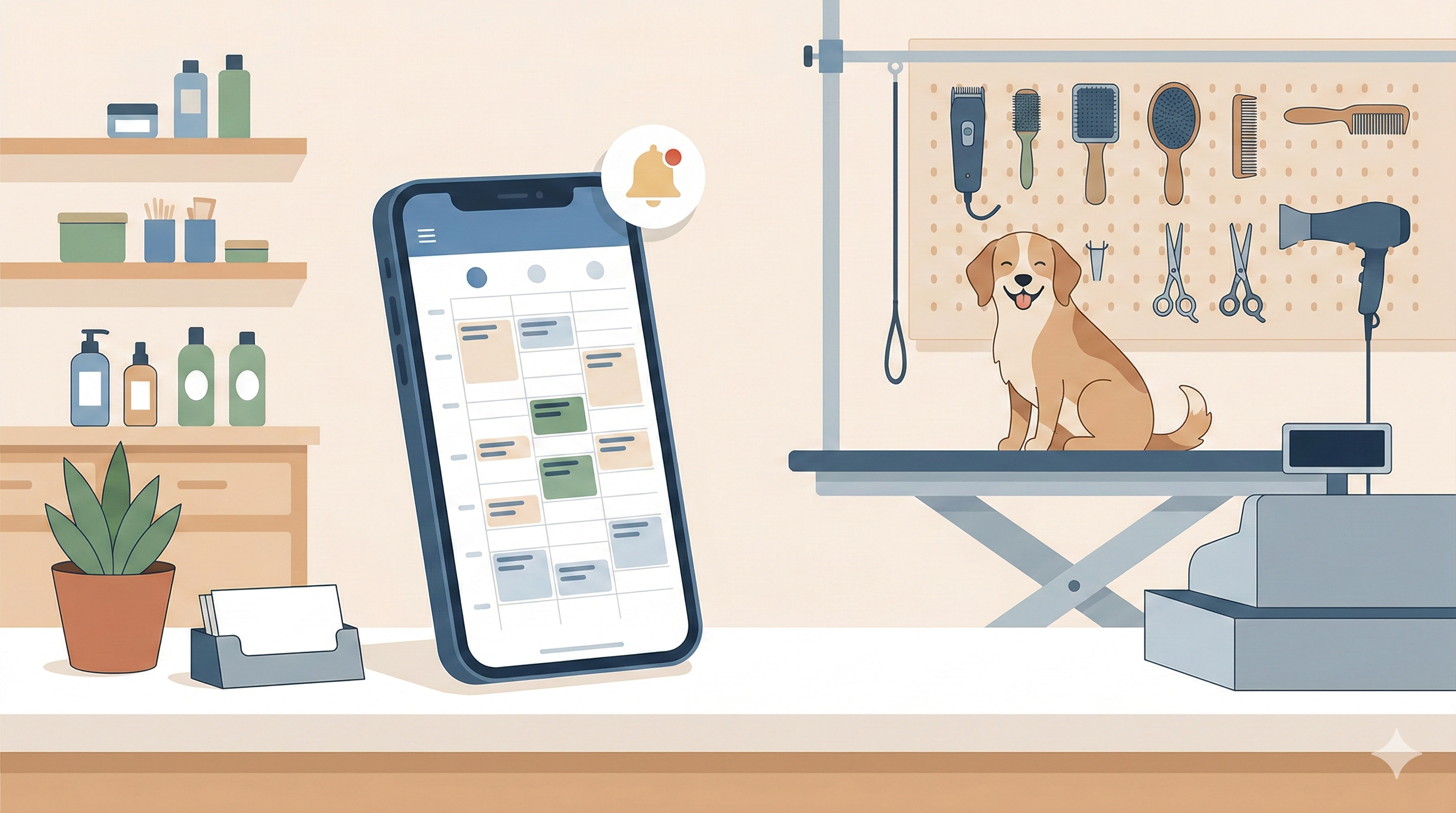
Pet grooming booking software handles scheduling, client communication, pet records, and payments in one system. Instead of juggling a paper appointment book, texting clients from your personal phone, and keying totals into a separate payment terminal, you manage everything from a single dashboard.
The difference between generic appointment apps and grooming-specific software comes down to how the calendar works. Generic tools treat every appointment as one block of time for one person. Grooming doesn’t work that way. You’re booking a bath, haircut, nail trim, and teeth brushing for a dog named Chester, and each service takes a different amount of time. Grooming software stacks those services automatically and adds buffer time for cleanup between dogs.
Pet profiles are the other big distinction. A grooming app stores breed, weight, temperament, allergies, and groom notes for each pet. When Chester comes back in six weeks, anyone on your team can see that he gets anxious during nail trims and prefers a #4 blade on his body.
Core functions include:
- Online booking: Pet parents schedule appointments anytime, even at 11 PM
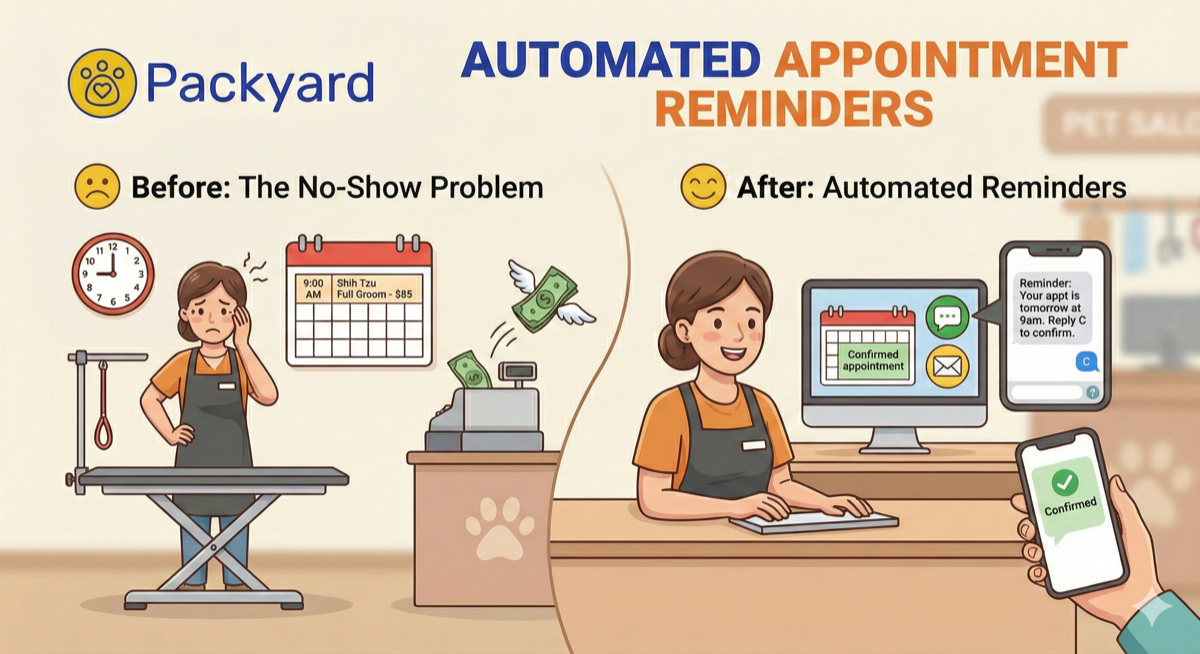
- Automated reminders: SMS or email goes out at set intervals before appointments
- Client and pet records: History, grooming notes, medical info, and photos stay in one place
- Payment processing: Checkout, tips, deposits, and taxes happen in one transaction
What to look for in dog grooming scheduling software
Every grooming software website claims to be “the best.” Meanwhile, you’re trying to figure out which features actually matter for your shop versus which ones sound impressive but collect dust. The features worth paying attention to are the ones that protect your revenue and match how your days actually run.
24/7 online booking that follows your rules
Good booking software lets clients self-schedule without turning your calendar into chaos — research shows self-scheduling tools reduce no-shows by 29%. You set which services, staff, and hours are bookable online, and the system respects those limits. Some apps also let you require approval for new clients, so you’re not blindsided by a severely matted doodle that takes four hours when you only have a two-hour slot open.
The convenience matters because phone calls interrupt your work. Every time you stop mid-groom to answer the phone, you lose focus and add minutes to the dog on your table. Online booking handles those calls for you.
Automated SMS reminders and confirmation tracking
A reminder sequence catches clients before they forget. A common setup sends one text 24 hours before the appointment and another 2 hours before. Text works better than email here — texts average a ~99% open rate compared to email’s 28–33%.
Confirmation tracking shows you at a glance who replied “yes” and who stayed silent. That visibility lets you follow up with silent clients or start filling gaps before the slot goes empty.
Grooming calendar with service stacking and buffers
Generic calendars force you to do time math in your head. You’re on the phone with a client, mentally adding up bath time plus haircut time plus nail trim time while they wait. Grooming software calculates duration automatically based on what’s booked.
Service stacking means the calendar blocks out each service in sequence rather than treating the whole appointment as one chunk. Buffers add cleanup time between dogs so you’re not running behind by noon.
Client and pet profiles with notes and history
Storing breed, weight, temperament, allergies, groom notes, and photos means any team member can pick up where the last visit ended. When your bather knows that Bella bites during ear cleaning before Bella arrives, everyone’s day goes smoother.
Photos are particularly useful for consistency. You can reference how the last groomer styled a dog’s face and match it, which keeps clients happy and reduces “that’s not how she usually looks” complaints.
Two-way texting in a shared inbox
Texting clients from your personal phone scatters conversations across devices and blurs work-life boundaries. A shared inbox ties all messages to appointments and makes them visible to your whole team.
When a client texts “running 10 minutes late,” whoever’s at the desk sees it immediately. You’re not hunting through someone else’s phone to find out why a client hasn’t shown up.
Native payment integration and POS
Built-in payment processing eliminates double-entry. If you already use Square, native Square integration keeps services, tips, taxes, and retail synced without re-keying totals into a separate terminal.
The alternative is reconciling mismatched numbers at close, which eats 15 to 30 minutes depending on how busy your day was. That time adds up over a month.
Reporting on rebooking rates and staff performance
Data like daily totals, top clients, rebooking rates, and staff productivity informs pricing and scheduling decisions. If you notice one groomer’s rebooking rate is significantly lower than another’s, that’s a conversation worth having.
Reports also help you spot trends. Maybe Tuesdays are consistently slow, which means you could close early or run a promotion. Without data, you’re guessing.
How pet grooming appointment software kills no-shows
The hidden cost of no-shows includes the full value of that appointment plus the prep time you already invested. If your average groom is $75 and you lose four a month, that’s $300 gone. Over a year, $3,600.
The fix isn’t a single feature. It’s layered protection that catches no-shows at multiple points.
Automated reminder sequences that actually get seen
SMS reminders timed at 24 hours and again at 2 hours before the appointment catch clients at two decision points — a study from Imperial College London found text reminders reduced no-shows by 38%. The day-before reminder prompts them to check their calendar. The hours-before reminder catches the ones who forgot anyway.
Text beats email for this purpose. People check texts within minutes. Emails sit unread.
Confirmation tracking so you know who is coming
Seeing who confirmed versus who stayed silent lets you act before the slot goes empty. You can call silent clients, offer the slot to your waitlist, or mentally prepare for a gap.
Without confirmation tracking, you’re hoping everyone shows up. Hope isn’t a system.
Deposits and cards on file to protect your schedule
Requiring a card on file or a deposit at booking changes client behavior. When there’s money on the line, people show up. Some shops charge a flat booking fee. Others hold a percentage of the service cost.
The psychology is simple: a client who paid $20 upfront is far less likely to ghost than one who has nothing to lose.
No-show flagging and client history
Flagging repeat offenders lets you require prepayment or decline future bookings from chronic no-shows. One missed appointment is forgivable. Three in six months is a pattern.
Some software tracks no-show history automatically and surfaces it when that client tries to book again. You can then decide whether to accept the booking with a deposit or pass.
Tip: Packyard combines automated reminders, confirmation tracking, deposits, and no-show flagging in one system built specifically to keep your chair full. Start your free trial at packyard.app.
Top dog grooming booking apps compared
Here’s how leading grooming software options stack up. Each has strengths depending on your business model.
| Software | Best For | Key Strength | Payment Integration |
|---|---|---|---|
| Packyard | Salons focused on no-show prevention | Automated reminders + deposits + Square sync | Native Square |
| MoeGo | Multi-service pet businesses | All-in-one feature set | Built-in processing |
| Gingr | Larger facilities with daycare/boarding | Facility-wide calendar and reporting | Multiple options |
| Pawfinity | Shops wanting advanced online booking | Customizable booking rules | Built-in POS |
| GrooMore | Budget-conscious salons | Simple interface, quick setup | Credit card processing |
| Time To Pet | Pet sitters adding grooming | Client communication tools | Stripe integration |
| DaySmart Pet | Established salons wanting robust POS | Retail and inventory management | Built-in POS |
Packyard
Packyard focuses on no-show prevention with automated reminders, confirmation tracking, deposits, and cards on file. The grooming-specific calendar handles service stacking, buffers, and staff allocation without forcing you to adapt a generic tool.
Native Square integration keeps payments, tips, and taxes synced. Pricing is straightforward: one plan with everything included, no per-appointment fees, and unlimited locations.
MoeGo
MoeGo serves as an all-in-one platform for pet businesses covering grooming, mobile, and daycare. The broad feature set appeals to shops juggling multiple service types under one roof. Shops already on Square should note that MoeGo’s payment integration works differently than native Square setups.
Gingr
Gingr works well for larger operations managing grooming plus boarding plus daycare in one facility calendar. Reporting and multi-location support are strong points for businesses with complex scheduling.
Pawfinity
Pawfinity offers advanced online booking customization alongside kennel and boarding features. Shops that want granular control over booking rules often land here.
GrooMore
GrooMore provides straightforward grooming software with online booking, reminders, and QuickBooks sync. It’s a solid entry point for smaller shops that want simplicity over extensive features.
Time To Pet
Time To Pet started in pet sitting and dog walking, so it suits groomers who also offer those services and want one system for everything.
DaySmart Pet
DaySmart Pet brings robust POS and retail inventory features for salons that sell products alongside services. If retail is a significant revenue stream, this one’s worth evaluating.
How to choose the right dog grooming business software
1. Match the software to how your business actually runs
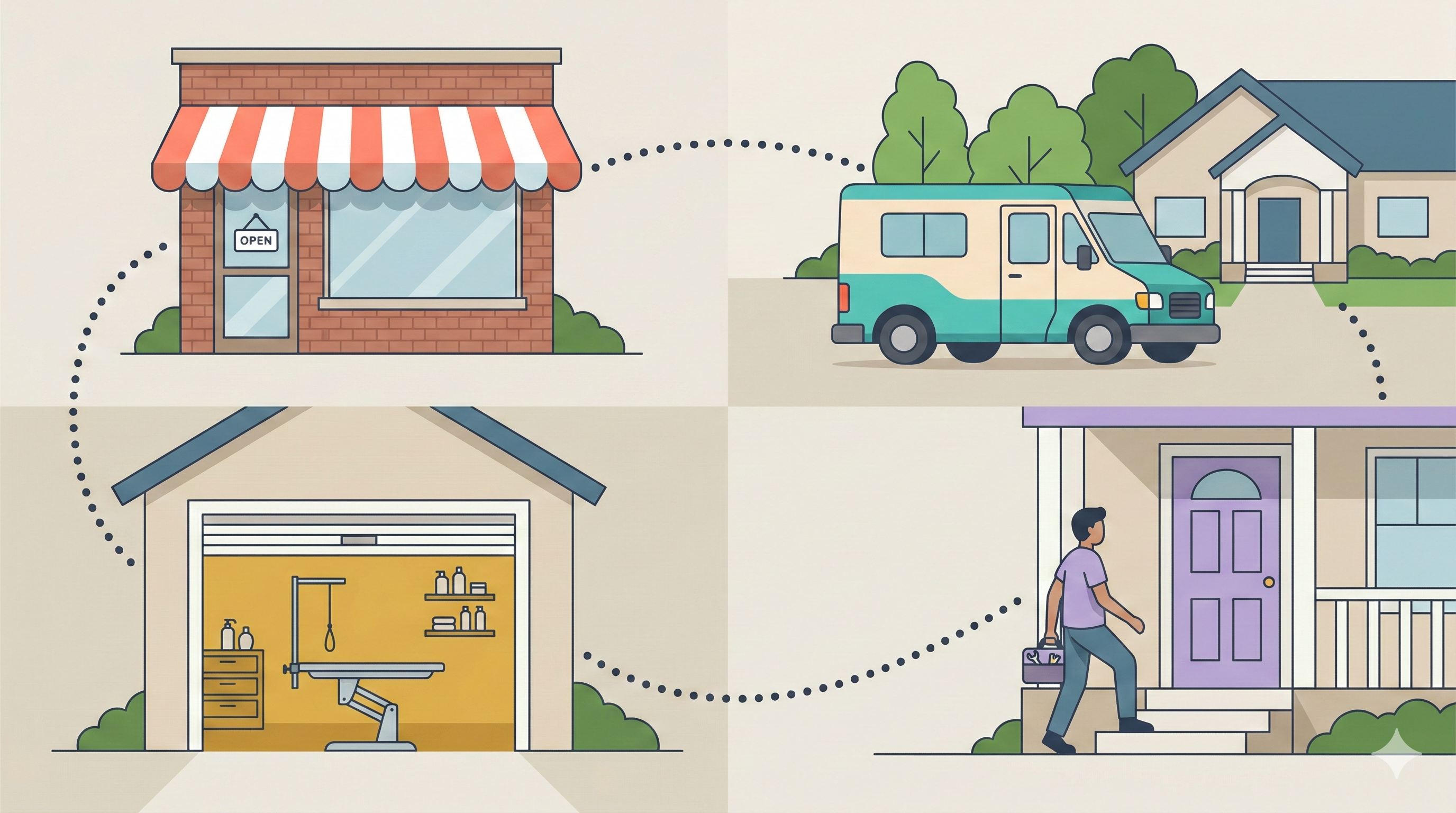
Determine if you’re salon-only, mobile, multi-location, or mixed services. Pick grooming business software built for your model rather than adapted from a different use case. A mobile groomer has different calendar requirements than a six-station salon.
2. Prioritize no-show prevention over fancy extras
The features that pay for themselves fastest are reminders, confirmations, and deposit collection. A flashy dashboard means nothing if your chairs stay empty. Start with the basics that protect revenue.
3. Check Square and payment integration
If you already use Square, verify native integration so you don’t double-enter transactions or lose tip and tax accuracy. Switching payment processors is a hassle, so compatibility matters.
4. Test the calendar for grooming workflows
During a free trial, book a realistic day with stacked services, buffers, and multiple groomers. See if the calendar handles it smoothly or fights you at every step. Ten minutes of testing reveals more than any feature list.
5. Compare pricing and what is actually included
Look beyond the base price. Are texts included or charged per message? Is there a per-appointment fee? Are locations or staff limited? Calculate total cost for your actual volume before committing.
Why grooming-specific software beats generic appointment apps
You tried Calendly or Acuity or a human salon app and it almost worked. Then you hit the workarounds. Every pet with multiple services or special notes required manual adjustments. Generic tools treat one client as one appointment. Grooming doesn’t work that way.
The differences add up:
- Generic apps: One client equals one appointment. No pet profiles, no breed info, no behavior notes.
- Grooming software: One client can have multiple pets, each with history, medical info, and groom preferences stored separately.
- Generic apps: Fixed appointment slots. You manually calculate bath plus cut plus dry time.
- Grooming software: Service stacking auto-calculates duration based on what’s booked.
Every workaround costs minutes. Minutes cost money. Over a month, the friction of adapting a generic tool adds hours of extra work.
Stop losing revenue to empty appointment slots
No-shows and scheduling chaos cost real money, often more than you realize until you do the math. The right booking software pays for itself by saving even one missed appointment per month.
Packyard is built by groomers with 40+ years of experience, designed specifically to keep your schedule full and your operations tight. One plan, everything included, 14-day money-back guarantee.
Start your free trial at packyard.app
FAQs about pet grooming booking apps
How much does dog grooming scheduling software typically cost?
Most grooming software charges a monthly subscription. Free tiers exist but usually limit appointments, clients, or features. Paid plans with full functionality, including texts and multiple staff, typically range from moderate to premium monthly fees depending on the platform. Some charge per-appointment fees that add up quickly at higher volumes.
Is free pet grooming software reliable enough for busy salons?
Free grooming software usually limits appointments, clients, or features like SMS reminders. Busy salons often outgrow free tiers within months. The upgrade cost is typically justified by no-show prevention alone, since saving one or two appointments per month covers most subscription fees.
Can grooming software import client data from spreadsheets or other apps?
Most grooming booking apps offer CSV import or migration assistance to bring in existing client and pet records. The ease varies by platform. Ask about import support during your trial so you know what to expect before committing.
What is the difference between software for mobile groomers and salon groomers?
Mobile grooming software adds route optimization, location-based scheduling, and mobile payment processing. Salon software focuses on facility calendars, table and station management, and walk-in handling. Some platforms support both, while others specialize in one model.
How long does it take to set up and start using grooming booking software?
Basic setup, including adding services, staff, and hours, typically takes an afternoon. Importing existing clients and training your team may add a few days before you’re running smoothly. Most platforms offer onboarding support to speed up the process.