· How-Tos · 6 min read
How Top Groomers Track Pet Behavior Notes That Actually Get Used
Scattered client records cost groomers safety incidents, lost clients, and wasted time. Learn how to build a client management system that surfaces the right information at the right moment.
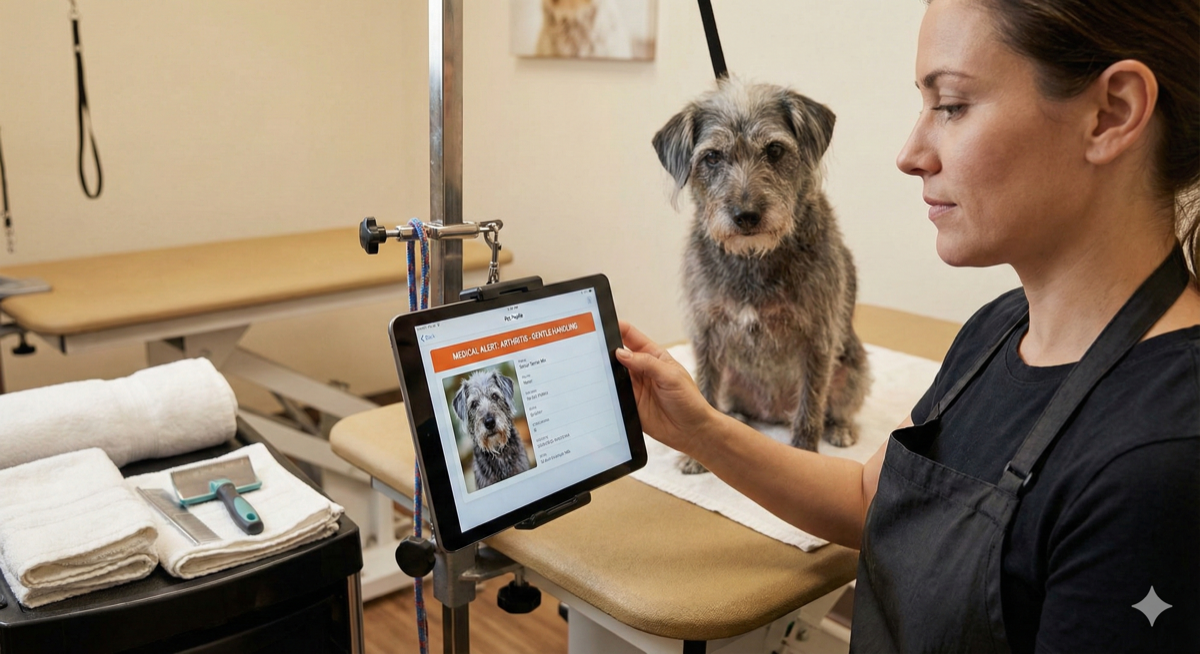
A dog is on your table. You’ve groomed him before—maybe three or four times. But you can’t remember: does he bite during nail trims? Is there a medical issue you noted last time? Did the owner mention a skin condition?
Your notes are somewhere. Maybe a paper card in the back room. Maybe a text thread buried in your phone. Maybe your memory, which isn’t reliable after eight dogs today.
You start the nail trim. The dog snaps. Now you’re dealing with a bite wound, an upset client, and an incident that could have been avoided—if the note from six months ago wasn’t buried in a stack of paper cards you haven’t organized since last spring.
This isn’t a discipline problem. It’s a systems problem. And systems problems have systems solutions.
The Real Cost of Scattered Client Records
The safety stakes are highest. Missed medical notes—seizure history, skin conditions, allergies, medications—put dogs at risk. Missed behavior warnings put you at risk. Missed veterinarian information means scrambling during an emergency when seconds matter.
But safety incidents are just the visible failures. The slower damage accumulates daily.
Client relationships erode when you ask the same questions repeatedly. “What length do you usually like?” signals you don’t remember them. Forgetting preferences—the specific cut, the styling detail, the standing request—frustrates clients who expect continuity. Losing vaccination records creates compliance friction and makes you look disorganized.
Retention suffers. Industry estimates suggest acquiring a new client costs several times more than retaining an existing one. Every client who leaves because you forgot their preferences is replaced only by expensive marketing and word-of-mouth you have to rebuild from scratch.
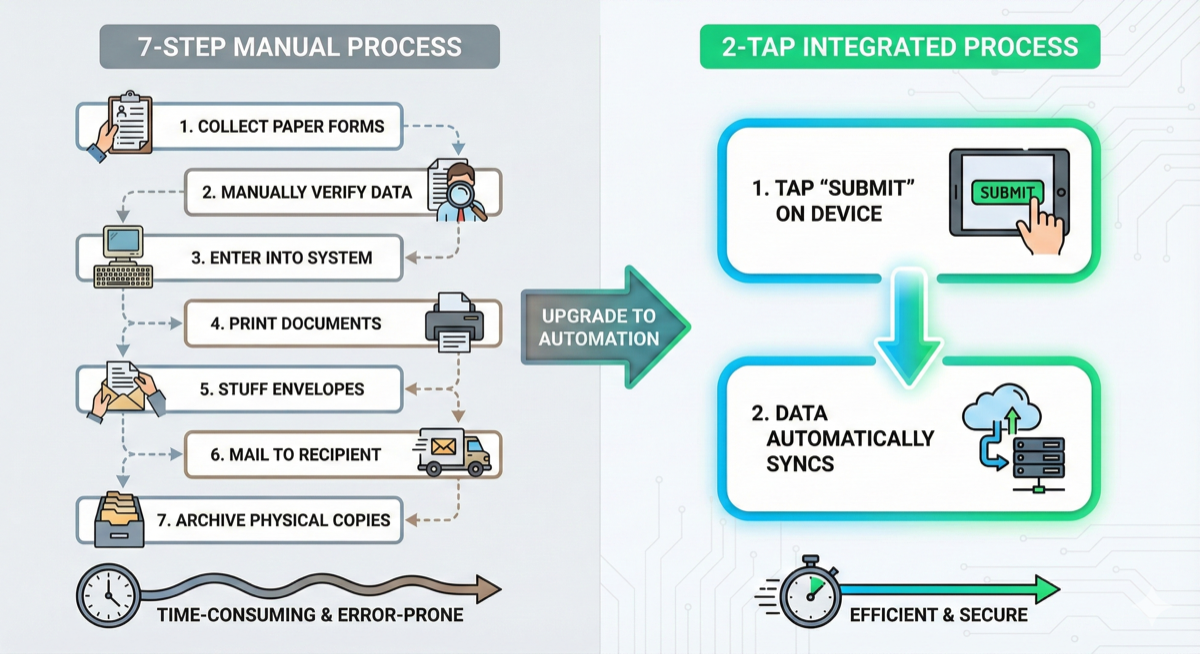
Operational efficiency bleeds out in small increments. Time spent hunting for information before each appointment. Duplicate data entry across paper cards, spreadsheets, and scheduling tools. Staff handoff failures when one groomer’s notes live in their head and they call in sick.
When preferences aren’t tracked, premium services go unsold. When history isn’t accessible, rebooking friction increases. When every appointment starts with “remind me what we did last time,” clients feel like strangers instead of regulars.
Why Paper and Spreadsheets Fail
Paper client cards were the industry standard for decades. They worked when books of business were smaller and staff turnover was lower. They don’t work anymore.
Paper cards get lost, damaged, and illegible over time. They can’t be accessed remotely—mobile groomers face this problem acutely, since your card box is in the shop while you’re in a client’s driveway. There’s no search functionality; finding a specific client means flipping through hundreds of cards. You can’t attach photos or documents. When staff leaves, their handwriting and shorthand leave with them.
Spreadsheets are better than paper but not built for relationships. One row per client doesn’t capture multi-pet households well. There’s no way to attach images, vaccination documents, or signed agreements. Version control becomes a nightmare—which spreadsheet is current? And spreadsheets don’t integrate with scheduling or payments, so you’re still doing duplicate entry across systems.
Text messages and memory are the worst offenders. Information trapped in individual phones. Impossible to search or organize. Gone when a staff member leaves. “I remember” isn’t a system—it’s a liability.
These tools fail because they’re designed for storage, not retrieval. The value of client information is in surfacing it at the right moment—when the dog is on the table, not when you have time to hunt for it.

What Effective Client Management Looks Like
Modern client management software solves this by inverting the model—built for retrieval from the start.
Unified client profiles consolidate scattered information into one record per household. Multiple pets attached to a single client. Contact information, communication preferences, and complete service history in one place. Searchable by any field—name, phone number, pet name, breed.
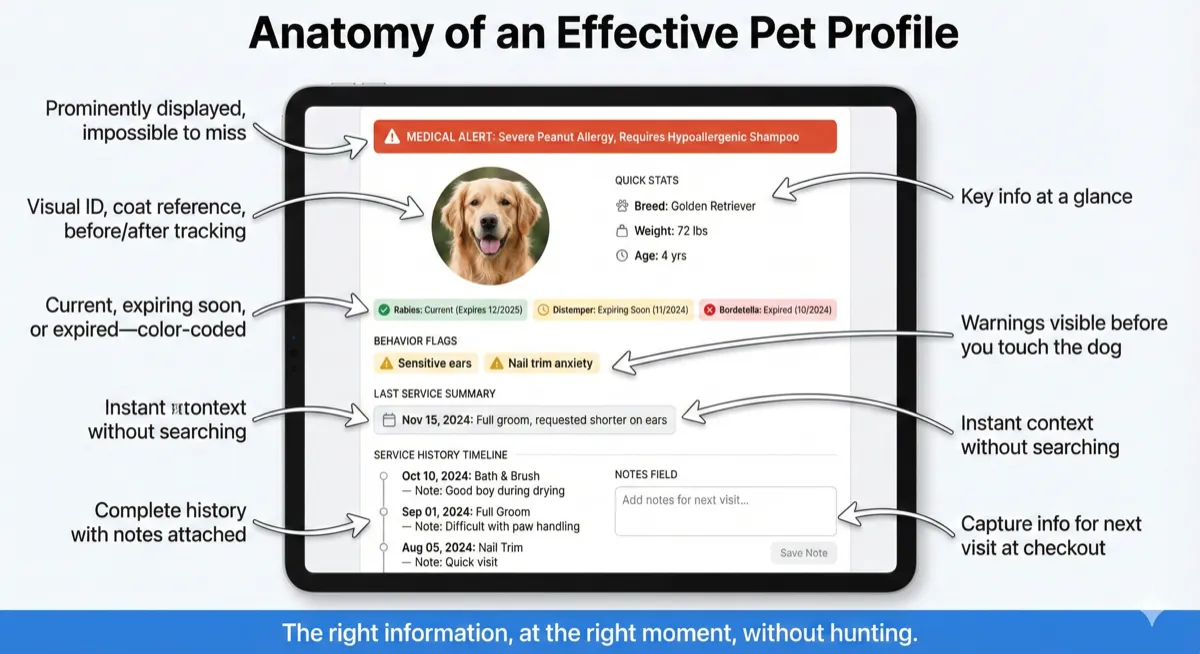
Comprehensive pet records capture what matters for every dog or cat you touch. Breed, weight, age, coat type. Medical conditions and alerts—displayed prominently, not buried in a notes field you have to click to expand. Behavior notes and handling requirements. Grooming preferences and detailed history of past services. Vaccination status with document uploads. Photos for visual reference, coat condition tracking, and before/after documentation.
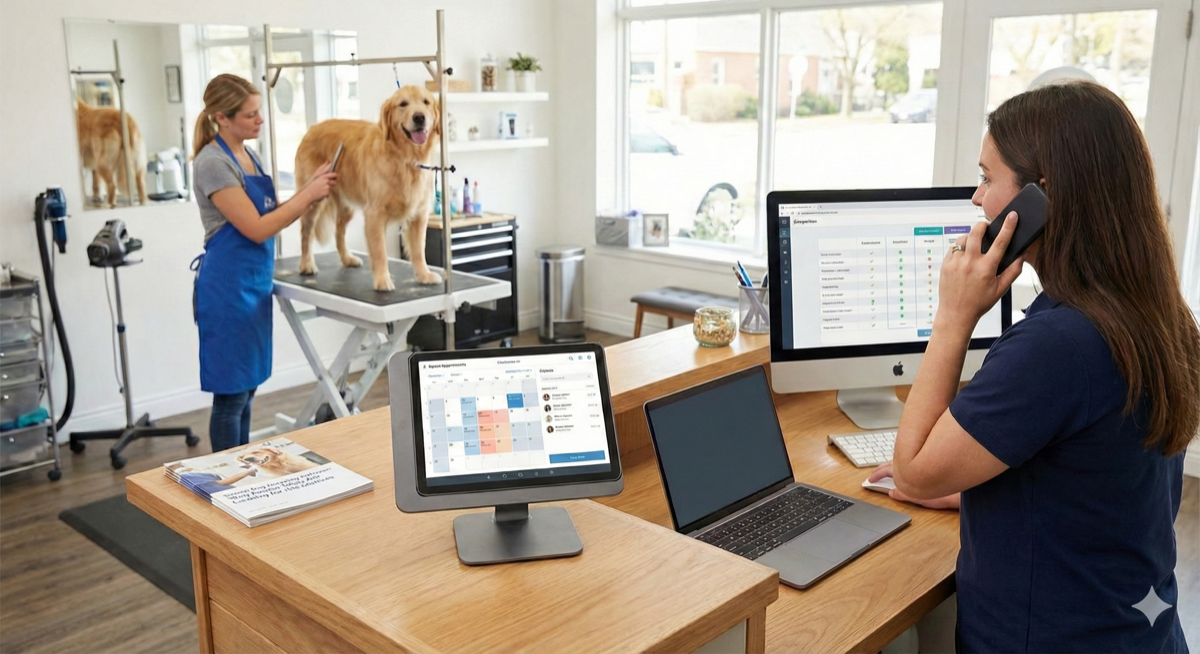
Automatic information surfacing is where retrieval beats storage. When an appointment starts, the pet profile appears with relevant alerts visible immediately. Medical flags display before you touch the dog—not after you’ve discovered the problem. Last service notes are visible without searching. Outstanding balances or follow-up notes from the previous visit appear automatically.
Staff continuity protects your business from knowledge loss. Any groomer can access any client’s full history. Notes are captured consistently across the team in structured fields, not personal shorthand. When staff turns over, knowledge stays.
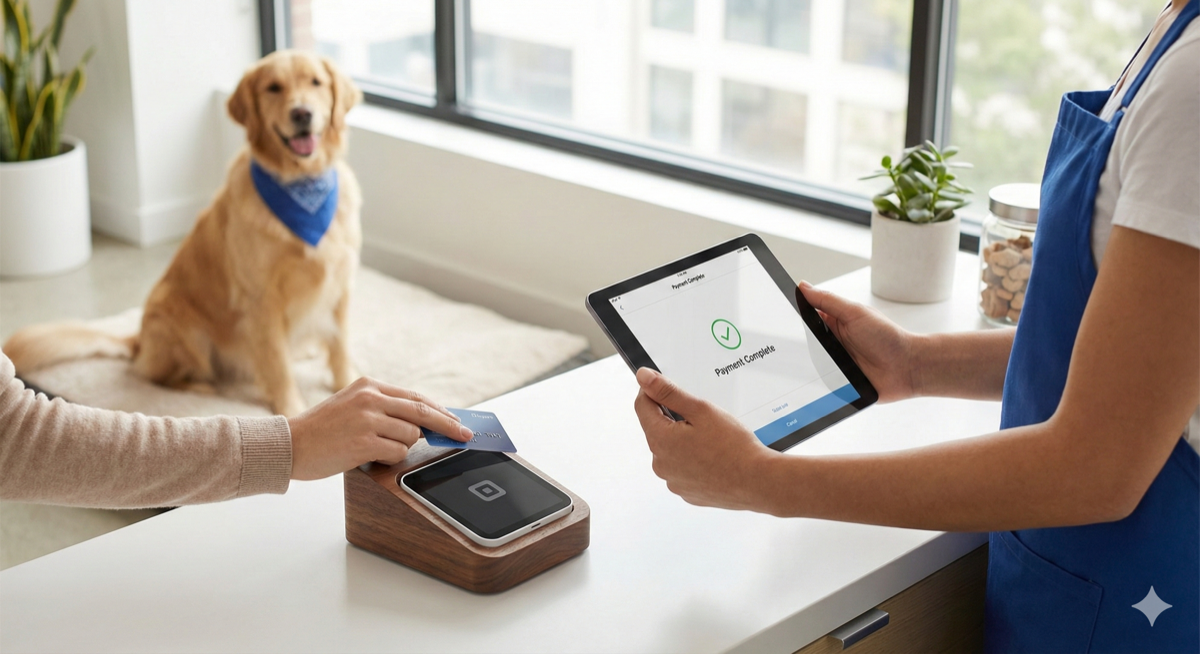
Integration with workflow eliminates duplicate entry. Client profile connects to appointment connects to payment. Check-in triggers profile display. Checkout captures notes for the next visit. One system, one record, one source of truth.
This is also how no-show patterns become visible. When client history is centralized, you can identify repeat offenders and require deposits before they waste another slot—not after.
Building Your Client Record System
Not all client management is equal. Here’s what to look for:
☐ Multi-pet household support. One client record with multiple pets attached—not separate client records for each pet that fragment your view of the relationship.
☐ Medical and behavior alerts. Prominent flags that display automatically when you open a profile or start an appointment. If critical information is buried in a notes field, it won’t get seen when it matters.
☐ Photo storage. Ability to attach images to pet profiles for visual reference. Coat condition tracking, style references, identification—photos capture what words can’t.
☐ Document uploads. Vaccination records, signed service agreements, veterinary documentation stored with the pet. No more filing cabinets or email hunting.
☐ Instant search. Find any client by name, phone number, pet name, or any other field. If searching takes more than a few seconds, the system fails the retrieval test.
☐ Complete service history. Every appointment with notes attached. What was done, what was discussed, what to do differently next time. This history becomes especially valuable for efficient checkout workflows where service notes need to surface automatically.
☐ Staff access with appropriate controls. All team members can view client records. Configurable permissions for who can edit or delete.
☐ Data portability. Full export capability. Your client relationships are your asset, not the software vendor’s. If you can’t take your data when you leave, you don’t own it.
☐ Marketplace presence. Software listed in official channels like Square’s App Marketplace has been vetted for quality and security—important when you’re storing client contact information and pet medical records.
Migration note: If transitioning from paper or spreadsheets, most modern grooming software accepts CSV import. Budget time for data cleanup—migration is an opportunity to fix duplicate records, update outdated information, and establish consistent data standards going forward.
Take the Next Step
Your client records should work for you, not against you. The right information, visible at the right moment, without hunting.
See how customer and pet management with photo history and behavior tracking makes critical information instantly accessible, or explore complete grooming salon software that surfaces the right notes at the right time—during checkout, rebooking, and service delivery.
Start your free trial today and stop losing critical client information to scattered notes and fading memory.